
Church Live Streaming Equipment List: What You Actually Need
The core church live streaming equipment list is two or three PTZ cameras, a hardware switcher that streams and records, a PoE network, a dedicated audio feed from the sound desk and a simple way to coordinate volunteers. This guide explains each item, the trade-offs and sample setups by church size.
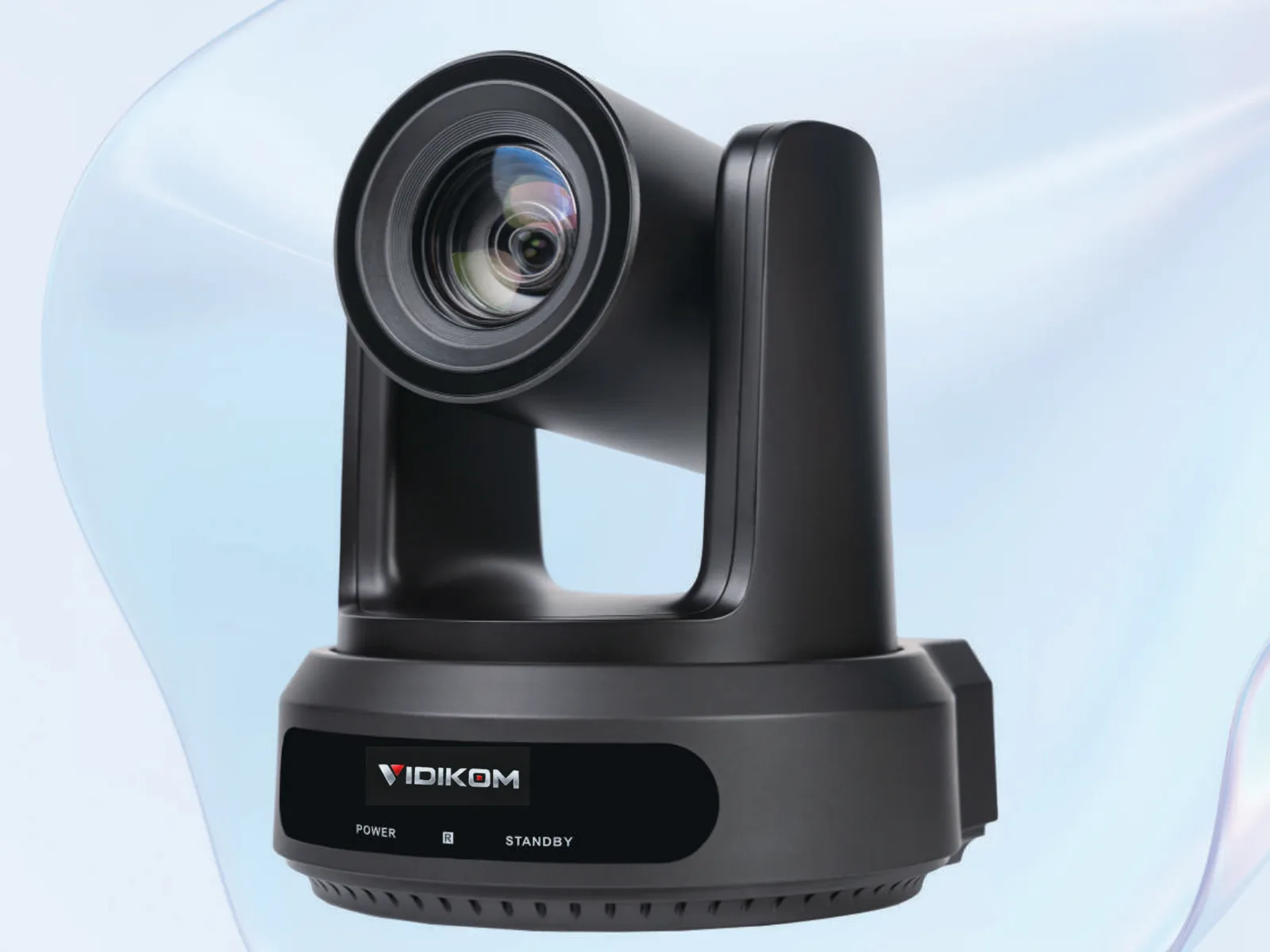
A complete church live streaming equipment list has six parts: two or three PTZ cameras, a switcher that can stream and record on its own, a PoE network to power and control the cameras, a dedicated audio feed from the sound desk, a reliable internet uplink, and a simple way for volunteers to coordinate. Get those six right and a small volunteer team can run a clean, repeatable stream every week without a broadcast engineer in the building.
This guide walks through each item, explains the trade-offs, and finishes with sample setups for small, medium and large churches. For the wider picture, see our Church Live Streaming solution page.
Church live streaming equipment list at a glance
- Cameras: 2 to 3 PTZ cameras (one wide, one or two on the pulpit and worship team).
- Switcher: a hardware video mixer with built-in streaming and recording.
- Network and power: a Gigabit PoE switch and Cat5e or better cabling.
- Audio: a separate stereo stream mix from the sound desk, not a camera microphone.
- Control: presets on the cameras, recalled from the switcher, a joystick or software.
- Crew coordination: intercom, tally and a shared run sheet for volunteers.
Plus an internet connection with upload speed of at least twice your stream bitrate, and a computer for lyrics or slides.
Cameras: why PTZ fits churches
PTZ cameras suit worship spaces because one volunteer can operate three of them from the back, they mount on walls or balconies out of sightlines, and presets make every Sunday look the same. Three questions decide the right model.
How far is the camera from the pulpit?
A useful rule: the width of the shot at full zoom equals roughly 2 × distance × tan(half the narrowest horizontal angle). For a head-and-shoulders shot you want a frame about 1 to 1.5 m wide.
- Under about 12 m to the pulpit, a 12× camera is usually enough.
- From about 12 to 25 m, choose 20×. The 20× model of the Veyra Pro HD-N Series narrows to 3.47°, which frames roughly 1.5 m wide at 25 m.
- Beyond that, or from a rear balcony in a large auditorium, consider 30×.
1080p or 4K?
Most churches stream at 1080p, and 1080p60 cameras keep budgets and bandwidth sensible. 4K is worth it when you also feed large IMAG screens, want to crop a 4K wide shot, or plan to keep archive recordings for years.
- Veyra Pro HD-N Series: 1080p60 with 12×, 20× or 30× optical zoom, NDI|HX2, 3G-SDI, HDMI, USB 3.0 and PoE. Minimum illumination is 0.5 Lux at F1.8, which helps in dimly lit sanctuaries, and it stores up to 255 presets. This is the workhorse choice for most church camera positions.
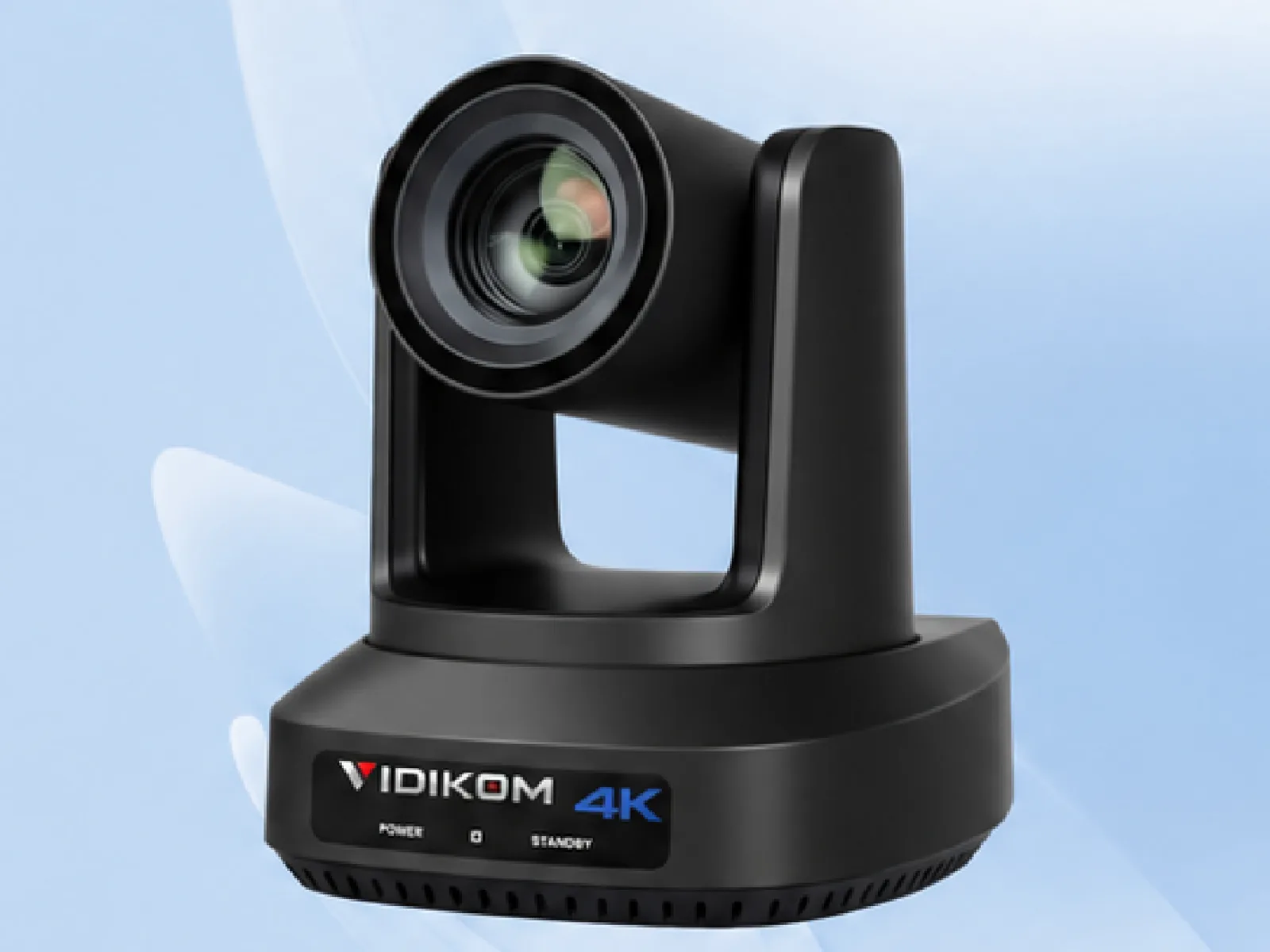
- Veyra 20S Ultra-U: 4K60 from a larger 1/1.8" 8.42 MP sensor, 20× optical zoom, HDMI 2.0, 3G-SDI, Gigabit LAN with PoE and NDI|HX3 (optional). Its deep-learning humanoid tracking with obstruction avoidance is useful for a preacher who walks the stage. Use it as the main pulpit camera if you want 4K for screens or archive.
Browse the full range at /products/cameras.
SDI or NDI?
Both camera families output 3G-SDI and IP video. SDI is robust and independent of your network; a coax run of up to about 100 m is routine. NDI puts video, control and power on one Ethernet cable (100 m per run), but you need a well-planned network. Many churches run SDI for video and Ethernet for control and PoE, which gives the reliability of SDI with single-cable power. More on IP workflows at NDI PTZ Cameras.
Switcher: stream and record without a computer
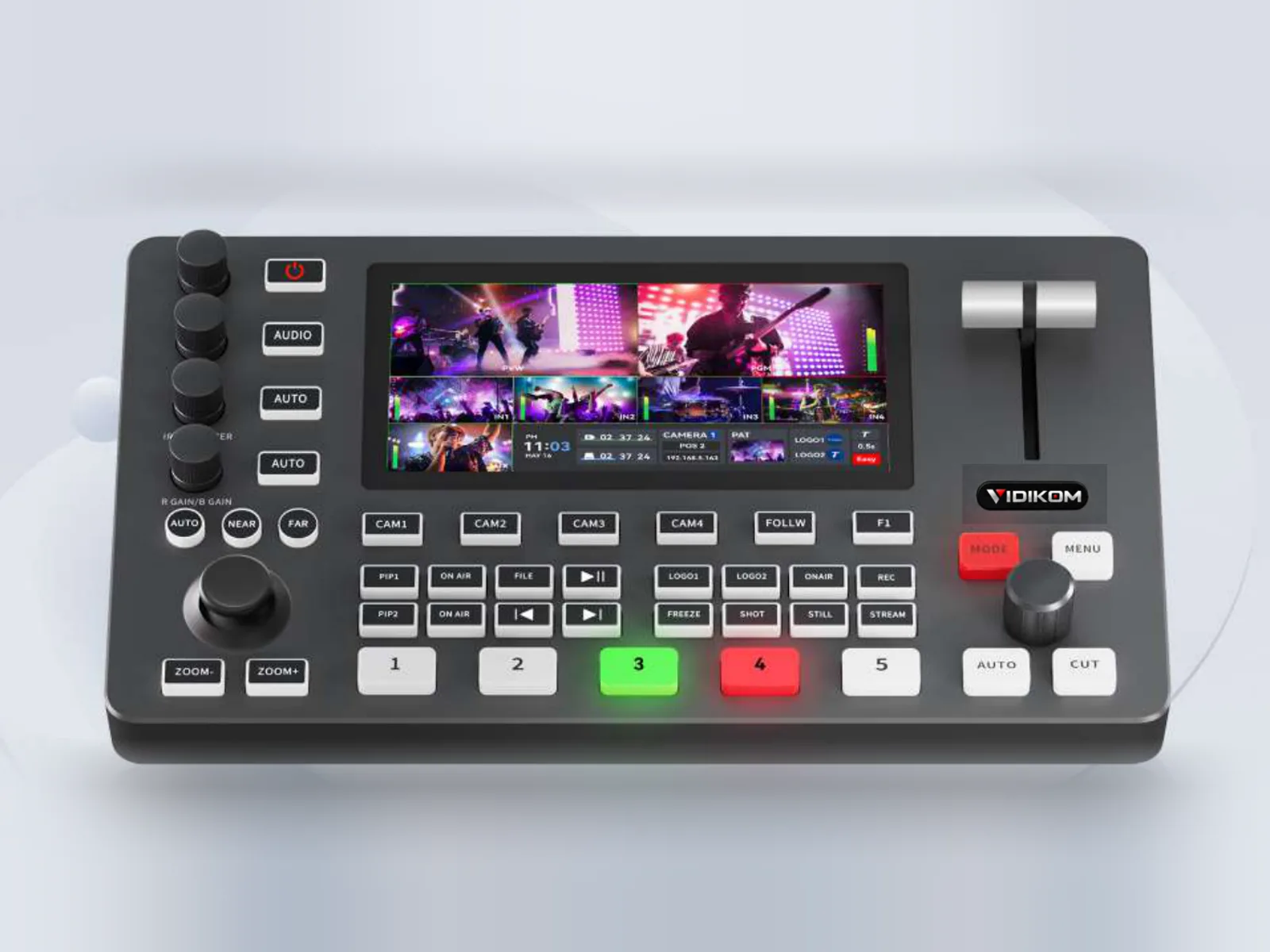
A hardware switcher removes the most common failure point in church streams: a laptop doing too many jobs. The Talvo Mix 4 fits most churches well:
- 8-choose-4 inputs from 4× 3G-SDI and 4× HDMI, two of them HDMI 2.0 for 4K sources. Three cameras on SDI plus the lyrics computer on HDMI is a typical layout.
- Streams directly with a stream key and URL, with dual-streaming to multiple platforms.
- Records to USB drives, portable hard drives or SD card, so you always have a backup copy.
- Accepts NDI, SRT and RTMP network sources, and controls PTZ cameras over LAN.
- Two 3.5 mm mic/line inputs, a headphone output and 0 to 500 ms audio delay for lip-sync.
- A built-in web server, so a second volunteer can control it from a browser.
The trade-off: four live channels at a time. If you need more than four simultaneous sources, plan a larger production system and ask us for options.
Network and power
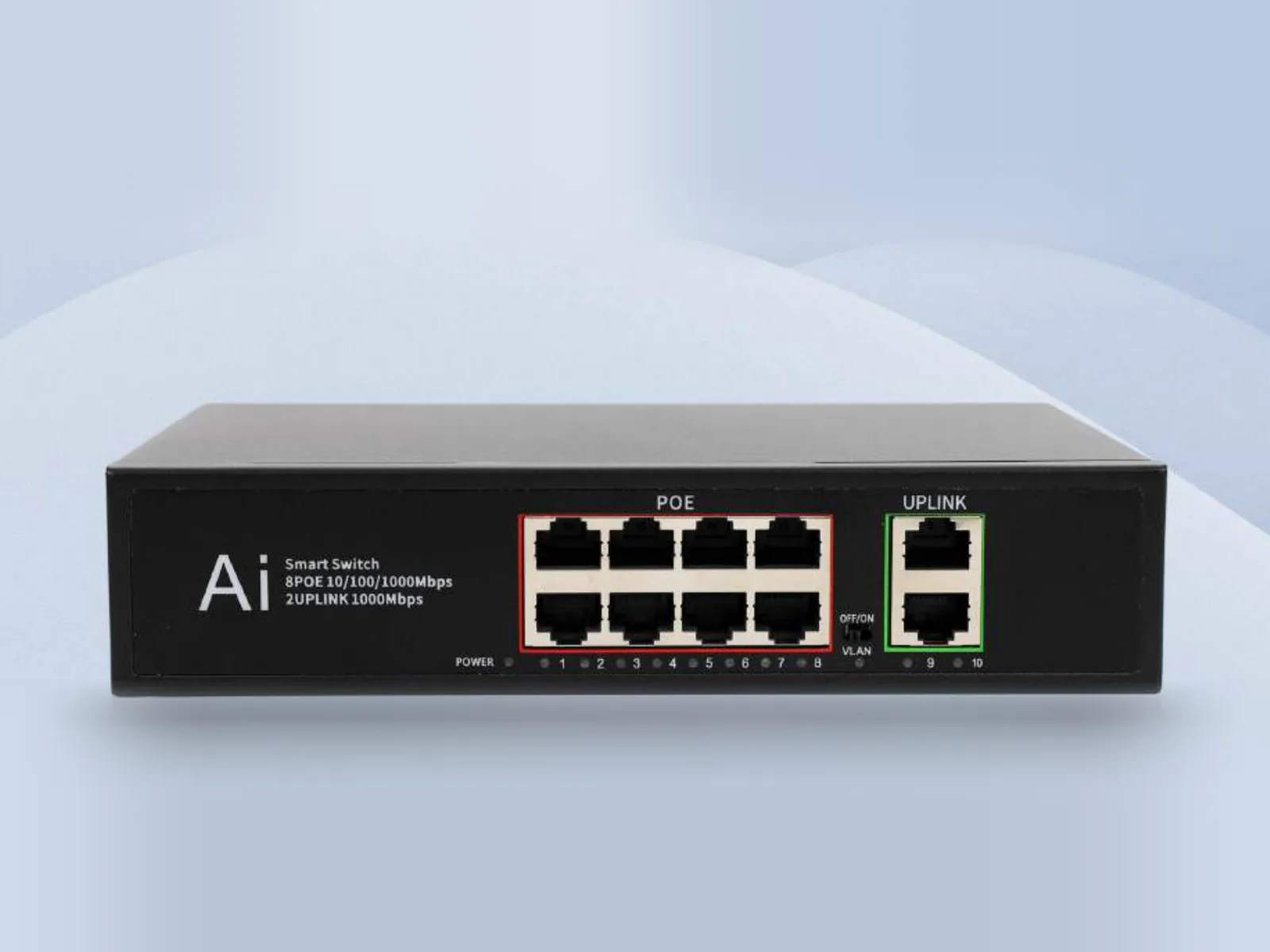
PoE means one cable per camera for power, control and IP video, with no power sockets on walls or ceilings. The Nexel P8 gives 8 Gigabit PoE ports at up to 30W each (IEEE 802.3af/at) plus 2 uplinks, comfortably more than the 18W the Veyra Pro HD-N and 20S Ultra-U need.
Rules of thumb:
- Keep every Ethernet run under 100 m; use Cat5e or better.
- Budget around 20 Mbps per NDI|HX camera on the LAN, and keep production traffic off the guest Wi-Fi.
- Give cameras fixed IP addresses and write them on a label at the switcher.
- Put the switcher, PoE switch and router on a UPS so a power blip does not end the stream.
Audio: the item churches get wrong most
Viewers forgive a soft shot; they leave over bad sound. Never use camera microphones for the service. Instead:
- Create a separate stereo aux or matrix mix on the sound desk for the stream.
- Send it to the switcher's line input and monitor it on headphones, not speakers.
- Add a little more vocals and some ambient room microphone, because the room mix relies on loud acoustic instruments the desk barely carries.
- Use the switcher's audio delay to line up voices with lips.
Volunteers: roles and coordination
A reliable volunteer team needs clear roles more than more gear. For a three-camera service:
- Director/switcher: cuts between cameras and graphics.
- Camera operator: moves PTZ cameras between presets and fine-tunes framing.
- Stream audio: owns the stream mix.
- Producer (optional): watches the stream online and handles chat and lyrics.
VIDIKOM Production Pro (Cuepilot) helps this team work together. The Windows director app handles switcher and PTZ camera control; volunteers join a production room with a room number and PIN, talk over hands-free intercom on their phones, and see tally so they know which camera is live. Android users install VIDIKOM Crew and iPhone users join through the web app. The Event Flow run sheet shows Happening now and Up next to the whole crew, so a new volunteer knows that the offering follows the second song, and it drives lower thirds for the audience. It is free to download for VIDIKOM customers.
Sample setups by church size
Small church (up to about 150 seats)
- 2 × Veyra Pro HD-N Series, 12× model
- Talvo Mix 4
- Nexel P8
- Stereo feed from the sound desk; one to two volunteers
Medium church (150 to 600 seats)
- 1 × Veyra 20S Ultra-U on the pulpit, 2 × Veyra Pro HD-N 20× for wide and worship team
- Talvo Mix 4, Nexel P8, Production Pro for intercom, tally and run sheet
- Two to three volunteers
Large church or auditorium
- Three or more cameras, 20× and 30× from rear positions
- SDI for video, Ethernet for control and PoE
- A dedicated director and camera operator on intercom; consider a joystick controller
Common mistakes to avoid
- Mounting cameras where the congregation stands up in front of them.
- Relying on auto exposure under changing stage lighting; set exposure manually per preset.
- Streaming without recording locally.
- Testing only on Sunday morning; run a full rehearsal stream midweek.
What to do next
Get an instant quote for your list (in Naira in Nigeria, in US dollars elsewhere); VIDIKOM ships worldwide from Lagos. Not sure which cameras fit your building? Ask VIDIKOM AI for a recommendation or a free setup plan with wiring diagram and camera positions, or call or WhatsApp +234 806 331 1751. Then download Production Pro to get your volunteers on intercom, tally and the Event Flow run sheet.
Products in this article
 Veyra 20S Ultra-U
 Talvo Mix 4
 Nexel P8
Frequently asked questions
How many cameras do I need to live stream a church service?
Two PTZ cameras, one wide and one on the pulpit, is the practical minimum. A third camera for the worship team or a reverse angle makes the stream much more engaging and is easy to run with presets.
Do I need a computer to live stream church?
Not for the stream itself. A hardware switcher such as the Talvo Mix 4 streams directly with a stream key and URL and records to USB or SD, so a computer is only needed for lyrics, slides or software like Production Pro.
What internet speed do I need to live stream church?
Aim for an upload speed of at least twice your stream bitrate. For a typical 1080p stream that means a stable wired connection with plenty of headroom, tested at service time rather than midweek.
Should a church buy 4K or 1080p PTZ cameras?
1080p60 is enough for most online streams and keeps cost and bandwidth down. Choose 4K for the main camera if you also feed large projection screens, want to crop shots or keep long-term archive recordings.
Can volunteers run PTZ cameras for church?
Yes. With saved presets for each position, one volunteer can operate several PTZ cameras, and intercom plus tally on their phones keeps them in step with the director.