
PoE Switch for PTZ Cameras: Power, Bandwidth and IP Setup
How to choose and set up a PoE switch for PTZ cameras: power budgets, NDI|HX bandwidth, 100 m cable rules and a simple IP address plan for live production.
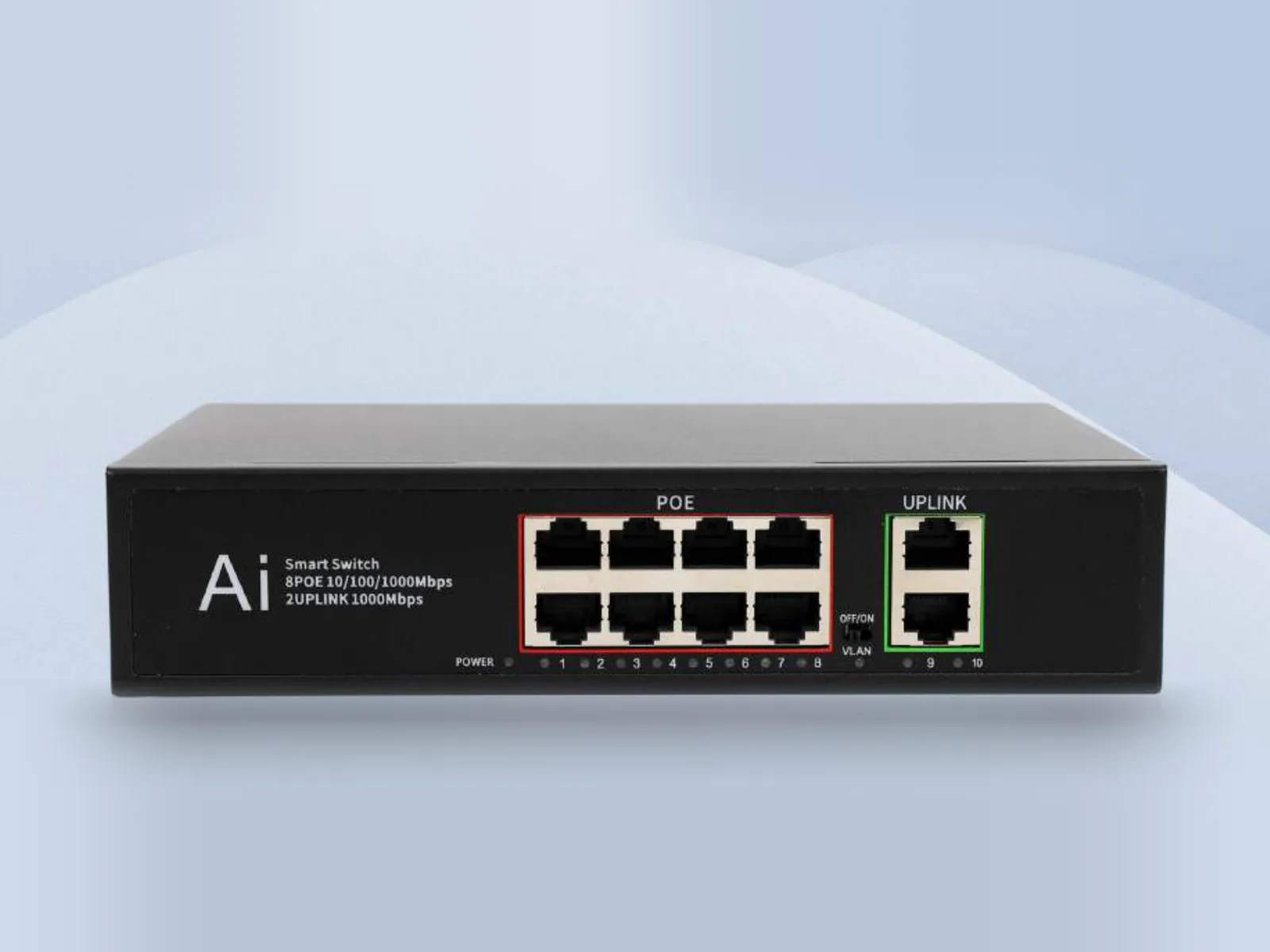
The right PoE switch for PTZ cameras is a Gigabit switch that can give every camera port enough power for the camera's maximum draw (plan on 30 W PoE+ per port), has spare ports for your controller, switcher and computers, and sits on a network that carries only production traffic. Get those three things right and one Ethernet cable per camera carries power, IP video and control, with no power adapters hidden on balconies or poles.
This guide walks through the decisions in order: power budget, bandwidth, cable runs and IP addressing, then shows a practical four-camera NDI system built around VIDIKOM equipment.
Why use a PoE switch for PTZ cameras
A PoE (Power over Ethernet) switch sends DC power down the same cable as the network data. For PTZ cameras that brings real advantages:
- One cable per camera. Power, NDI or RTSP video, and VISCA over IP control all travel on a single run.
- No mains socket at the mounting point. Useful for ceiling, truss and wall positions in churches, halls and lecture theatres.
- Central power control. If a camera hangs, you can power-cycle it from the rack instead of climbing a ladder.
The trade-off is a single point of failure: if the switch loses power, every camera goes dark. For important events, put the switch on a UPS and keep the cameras' 12 V DC adapters in the kit as a fallback. All Veyra PTZ cameras still accept DC 12 V power.
Step 1: Work out the power budget
There are two common PoE standards. IEEE 802.3af supplies up to about 15.4 W per port at the switch; IEEE 802.3at (PoE+) supplies up to 30 W. PTZ cameras draw the most power when the motors are moving fast or starting up, so size for the maximum figure on the spec sheet, not the idle draw.
Some real numbers from the Veyra range:
- Veyra 20S Ultra-U: 18 W
- Veyra Pro HD-N Series: 18 W
- Veyra 30S Ultra-X: 24 W max
Rules of thumb:
- Give every PTZ camera a PoE+ (30 W) capable port. That covers both 802.3af and 802.3at devices.
- Add up the maximum draw of every powered device, including a PoE joystick controller, and keep at least 20% headroom against the switch's total PoE budget.
- Check the camera manual for its PoE class and confirm the switch's total budget with your supplier before you fill every port with high-draw cameras.
The Nexel P8 delivers up to 30 W per port to IEEE 802.3af/at devices on eight Gigabit PoE ports, which is why it is the natural core for a small Veyra system. Ask VIDIKOM to confirm the full-load budget for your exact camera mix when you request a quote.
Step 2: Check bandwidth for NDI|HX
NDI|HX, RTSP and SRT streams from PTZ cameras are compressed with H.264 or H.265, so they are light compared with uncompressed video. The bitrate you set in the camera is what the network has to carry.
- The Veyra 20S Ultra-U streams at up to 20,480 kbps (about 20 Mbps) per stream.
- The Veyra Pro HD-N Series can go up to 102,400 kbps, but its LAN port is 10/100M, so keep its stream comfortably below 100 Mbps, for example 30 to 60 Mbps for high-quality 1080p60.
To check your design, add the bitrate of every stream that will be live at the same time, including the preview substreams your controller decodes for its multiview. Keep the total on any single link under roughly half of that link's speed.
The link that matters most is the one into the device receiving every camera, usually your switcher or streaming PC. Six cameras at 20 Mbps plus preview streams is well under 200 Mbps, which is comfortable on a Gigabit port. Full-bandwidth NDI from computers or graphics systems is much heavier than NDI|HX, so redo the maths if you add those sources.
This is why Gigabit matters. The Nexel P8 has 8 Gigabit PoE ports, 2 Gigabit uplinks and a 20 Gbps full-duplex backplane, so every port can run at full speed at once. Avoid old 100 Mbit switches anywhere in the video path.
Step 3: Plan cable runs
- 100 m maximum per copper Ethernet run, including patch leads at both ends. That limit applies to both data and PoE.
- Use Cat5e as the minimum and Cat6 for new installations. The Nexel P8 works on Cat5 (UTP) or better.
- Keep data cables away from mains cable trays and lighting dimmers where you can, and label both ends with the camera number.
- For positions beyond 100 m, place a second switch nearer the cameras and link it back, or use the camera's other outputs: the Veyra 30S Ultra-X sends 1080p60 over 3G-SDI up to 150 m, and Veyra RS485 control runs up to 1,200 m.
Step 4: IP addressing for PTZ cameras
Most connection problems on production networks are addressing problems. A written plan prevents them.
- Use one private subnet just for production, for example 192.168.10.x with a 255.255.255.0 mask.
- Reserve ranges by role. For example: .1 for the internet router (if used), .10 to .19 for computers, .20 to .29 for switchers and recorders, .30 to .39 for controllers, and .101 upwards for cameras, so Camera 1 is .101 and Camera 4 is .104.
- Use static addresses or DHCP reservations. Controllers, presets and software connections depend on cameras keeping the same address.
- Add new cameras one at a time. Cameras may ship with the same default address; change each one before connecting the next.
- Write the plan down on the rack and in your event documentation so any crew member can troubleshoot.
Keep the production network separate from guest Wi-Fi and the office LAN. If it has to share infrastructure, ask your IT team for a dedicated VLAN. For a self-contained system of up to eight PoE devices on one switch, unicast NDI|HX between the cameras and a single switcher is simple and reliable. Larger multicast networks with many receivers benefit from managed switching with IGMP snooping; VIDIKOM can advise on that design.
Example: a four-camera NDI production network
Here is a practical system for a church, conference venue or event team, with room to grow. See NDI PTZ Cameras for more options.
- Nexel P8 as the core: eight Gigabit PoE ports at up to 30 W each, metal casing, desktop or wall mounting, and two uplinks for the venue router or a second switch.
- Four Veyra 20S Ultra-U cameras for 4K60, 20x optical zoom, AI tracking, Gigabit LAN with PoE and NDI|HX3 (confirm the NDI option when you quote). If 1080p60 is enough, the Veyra Pro HD-N Series offers 12x, 20x or 30x zoom with NDI|HX2, PoE and 3G-SDI.
- Talvo Control 7 Pro joystick controller, powered from the same switch over Gigabit PoE+. It finds cameras by ONVIF, VISCA and NDI search, decodes quad-view previews and supports tally, so the operator sees what each camera is doing.
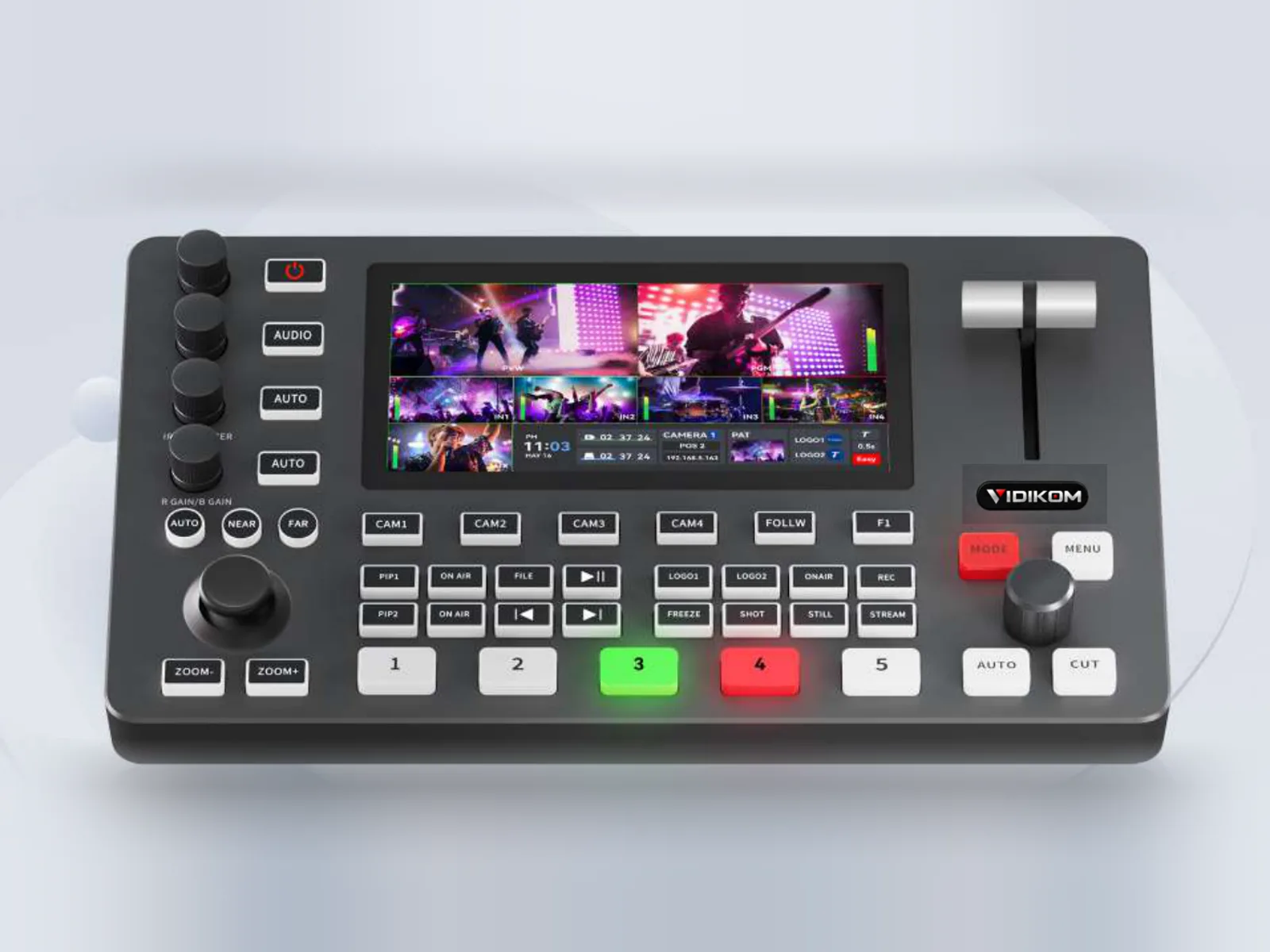
- Talvo Mix 4 switcher, which takes NDI inputs over its LAN port, streams directly via RTMP or SRT and controls PTZ cameras over the network. Its SDI and HDMI inputs let you mix in cameras on long SDI runs.
Port count: four cameras, controller, switcher and one Windows PC make seven of eight ports, leaving one spare. On that PC, VIDIKOM Production Pro can control the switcher and PTZ cameras from the same network and give crew tally and intercom on their phones.
Common mistakes to avoid
- Sizing PoE to idle power, then losing cameras when they all move at once.
- Leaving a 100 Mbit switch or old router in the video path.
- Putting cameras on the same network as hundreds of phones on guest Wi-Fi.
- Relying on plain DHCP, so a camera's address changes after a power cut and the controller loses it.
- Daisy-chaining several small switches instead of using one Gigabit core.
What to do next
Browse networking and PTZ cameras, then get an instant quote at /quote in Naira in Nigeria or US dollars elsewhere; VIDIKOM ships worldwide. For a tailored design, ask Kiki at /assistant for a free setup plan with a wiring diagram, IP plan and camera positions, or call or WhatsApp +234 806 331 1751.
Products in this article
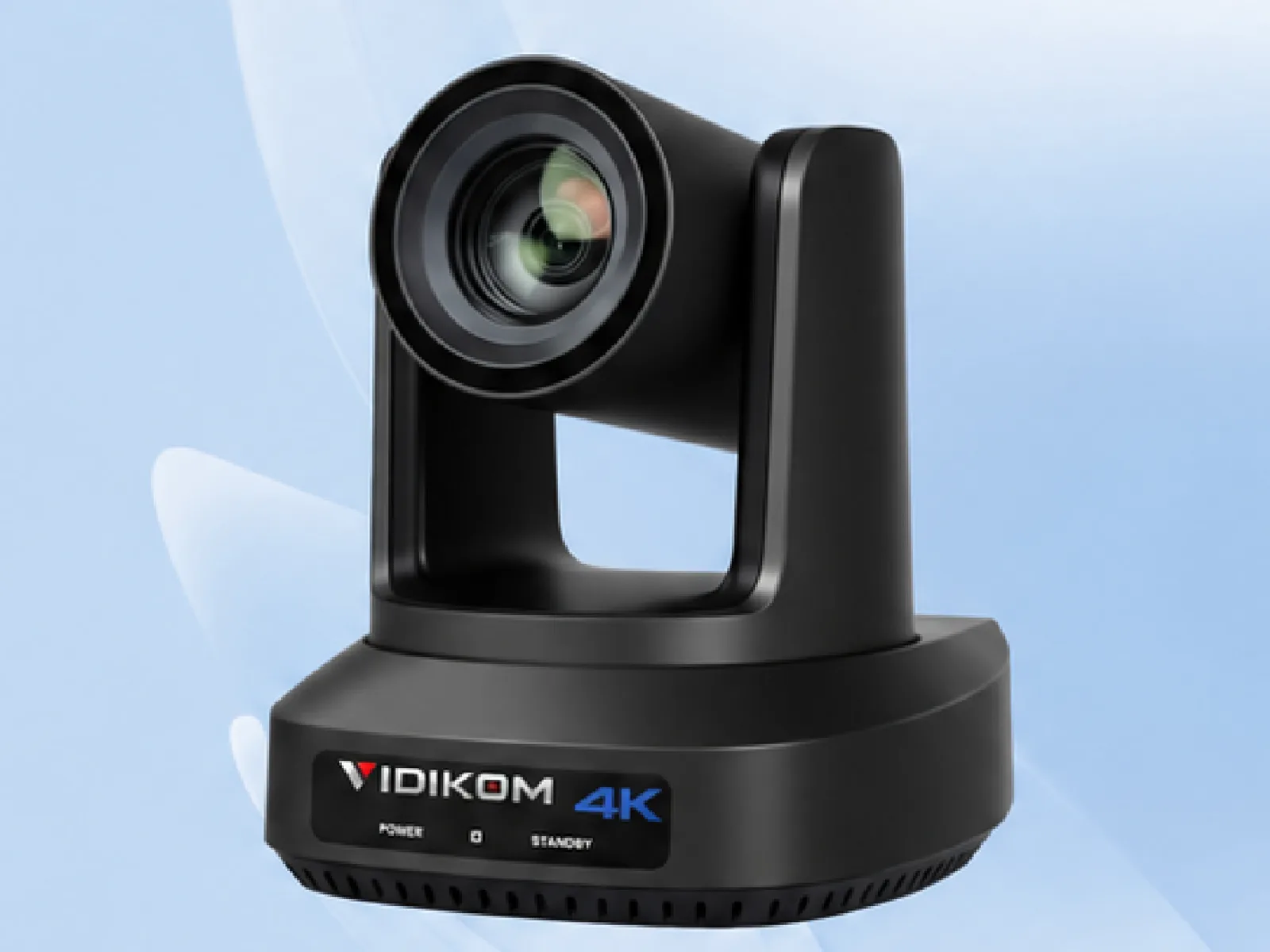 Veyra 20S Ultra-U
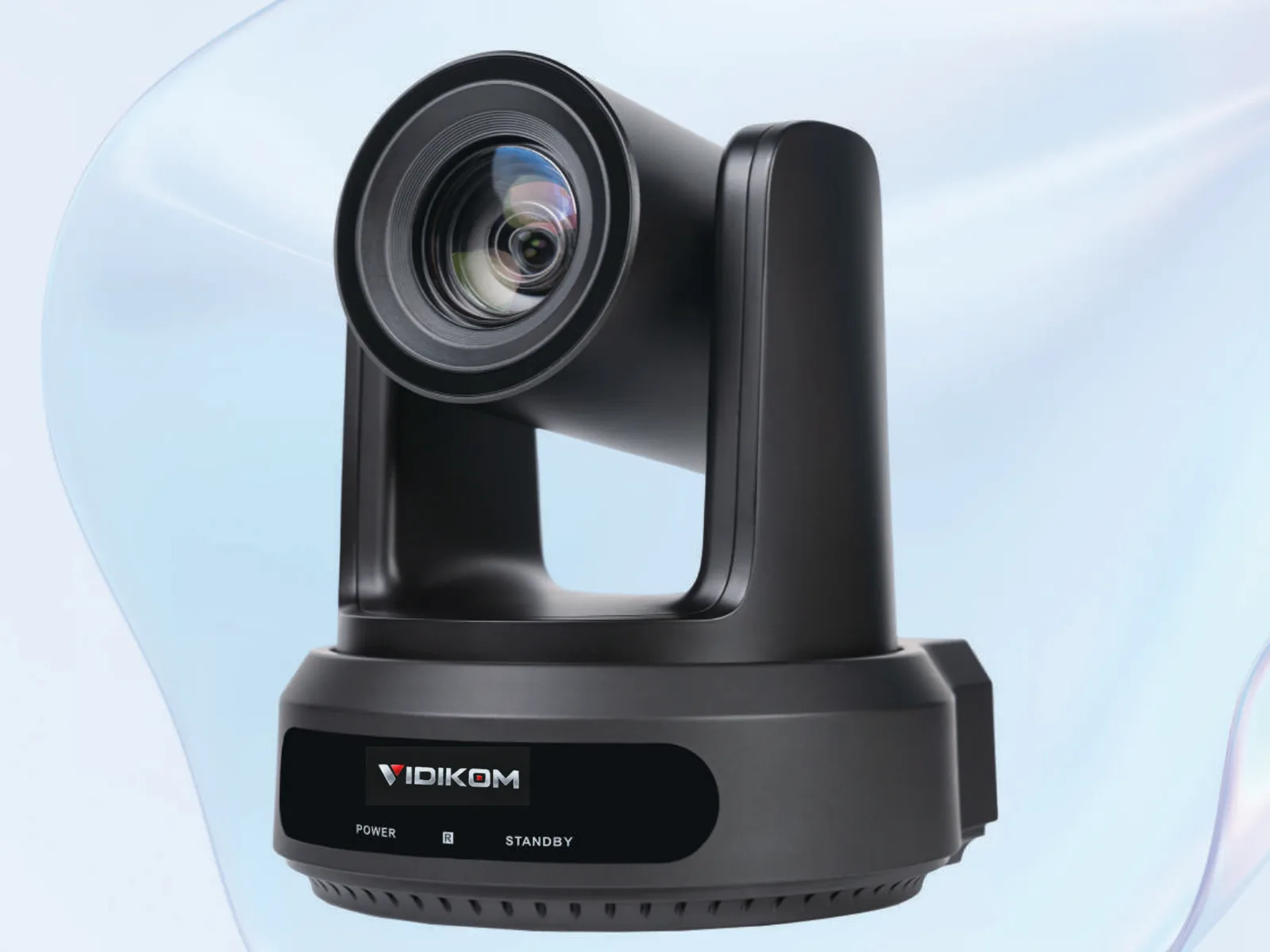 Veyra Pro HD-N Series
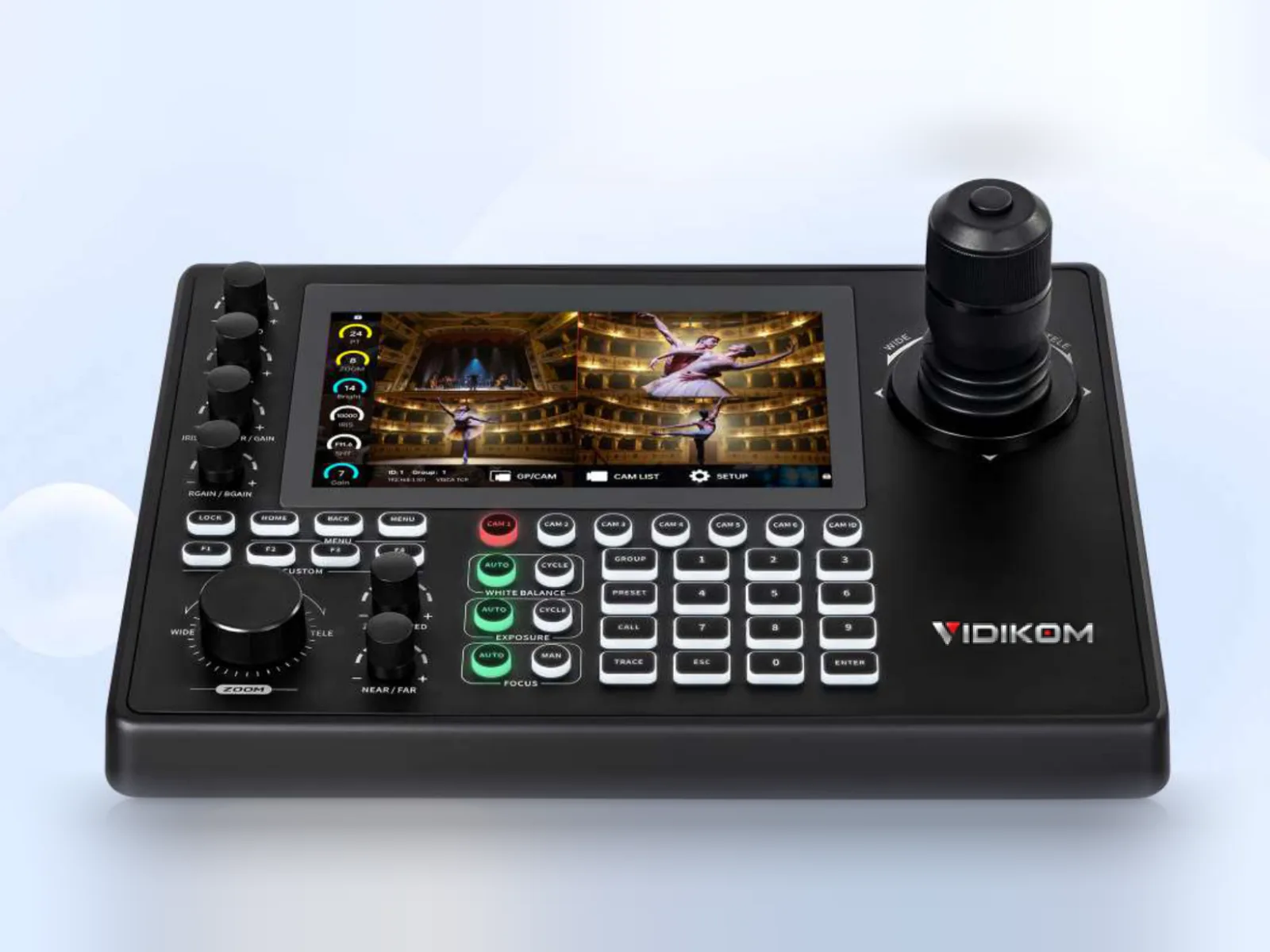 Talvo Control 7 Pro
 Talvo Mix 4
Frequently asked questions
Do PTZ cameras need PoE+ or is standard PoE enough?
Plan on PoE+ (IEEE 802.3at, up to 30 W per port) for PTZ cameras, because pan, tilt and zoom motors draw peak power when moving. Many PTZ cameras, such as the 18 W Veyra 20S Ultra-U, exceed what a standard 802.3af port reliably supplies.
How many PTZ cameras can an 8-port PoE switch run?
Physically up to eight, but in practice reserve ports for the controller, switcher and computer, so four to six cameras is typical. Check that the combined maximum draw stays within the switch's total PoE budget with about 20% headroom.
Can I run NDI cameras on my existing office or church network?
It can work, but a dedicated production network or VLAN is far more reliable. Shared networks add unpredictable traffic from phones and computers that can cause dropped frames and control delays.
What is the maximum cable length for a PoE PTZ camera?
100 m per copper Ethernet run, including patch leads, for both data and power. For longer distances, add a second switch closer to the cameras or use SDI and RS485 outputs where the camera supports them.
Should PTZ cameras use static IP addresses or DHCP?
Use static addresses or DHCP reservations so each camera always keeps the same address. Controllers, presets and production software connect by IP, so a changing address breaks control.