
Conference Room Speakerphone: How to Choose by Room Size
A practical guide to matching a conference room speakerphone to your room size and headcount, with clear rules for pickup range, daisy-chaining, expansion microphones and placement.
The right conference room speakerphone is the one whose pickup range reaches the farthest seat at your table with some margin to spare. A single unit with 5–6 m pickup suits rooms up to about 30 m² and 12–15 people; bigger rooms need either a daisy-chained pair or a speakerphone with expansion microphones. This guide shows how to match a speakerphone to your room size and headcount, explains the trade-off between those two ways of scaling up, and recommends the VIDIKOM Sovra and Kavro models that fit each case.
Remote participants judge a hybrid meeting mostly by what they hear. A sharp 4K picture does not help if the person at the far end of the table sounds distant and hollow, so audio is the first thing to get right.
Why room size matters more than the spec sheet
Every speakerphone lists a pickup range, a recommended room area and a maximum number of attendees. These three figures describe the same thing from different angles: how far a voice can travel to the microphones and still be captured clearly enough for echo cancellation and noise reduction to work well.
Two rules of thumb help:
- Pickup range is a radius from the device. A 6 m figure means a talker 6 m from the speakerphone is at the edge of reliable pickup, not in the sweet spot.
- Aim for the farthest seat at roughly two-thirds of the rated range. Quiet speakers, hard walls and air conditioning all eat into real-world performance, so leave headroom rather than designing to the limit.
How to choose a conference room speakerphone in five steps
- Measure the room area in square metres. This tells you which coverage class you are in.
- Count the maximum seats used in a real meeting, including chairs pulled in from the wall.
- Measure from where the speakerphone will sit to the farthest seat. On long boardroom tables this distance, not the room area, usually decides the answer.
- Decide how the room connects. A permanent room PC is best served over USB; rooms where people bring their own laptops benefit from a wireless dongle or Bluetooth.
- Decide whether you also need a camera. If the room has no camera yet, an integrated system can be simpler than buying parts separately.
Matching speakerphones to room sizes
Small and huddle rooms: 3 to 12 people
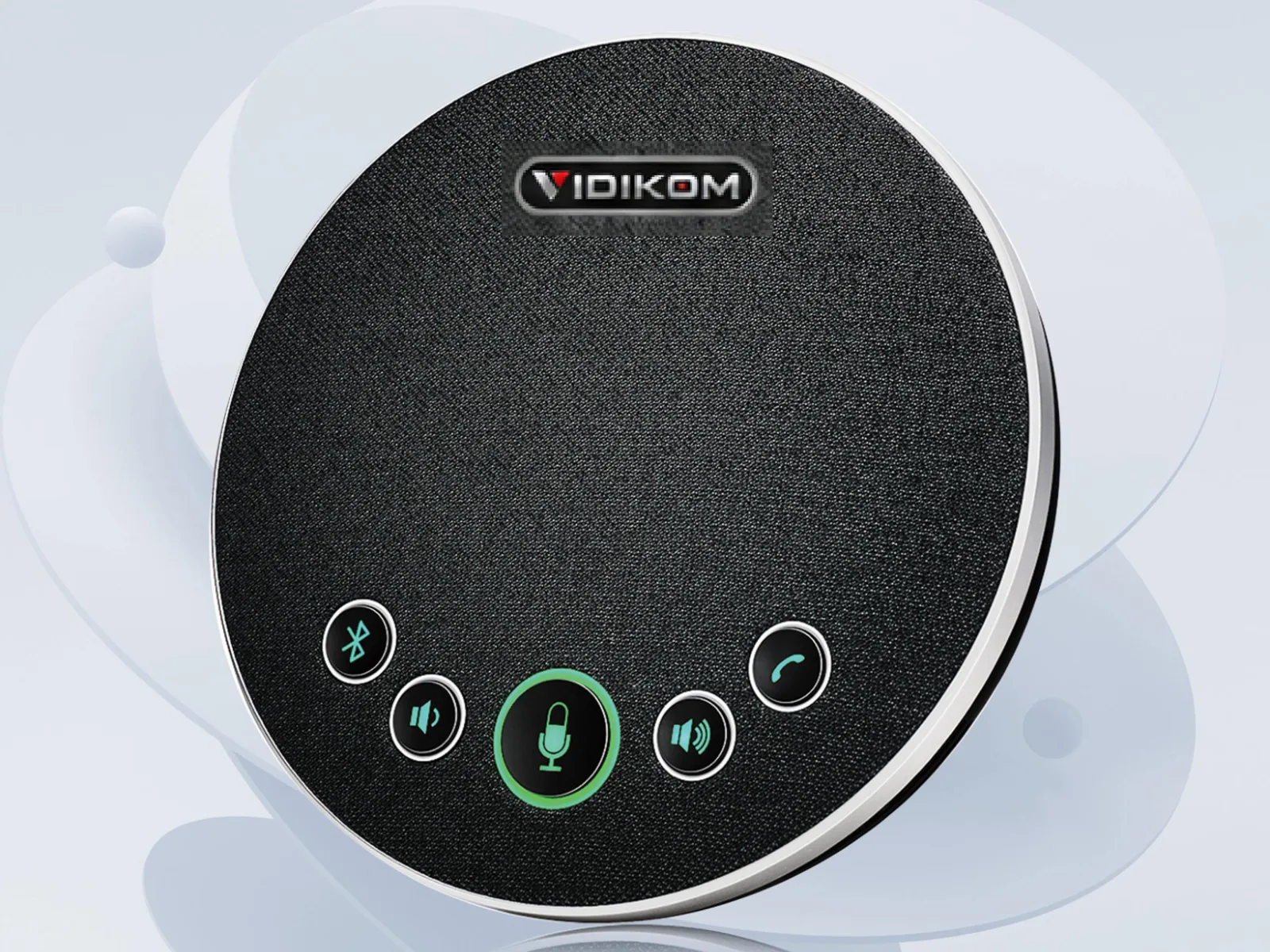
The Sovra 30 is a compact USB and Bluetooth 5.0 speakerphone with a four-microphone 360° array and a 5 m pickup radius. It is rated for rooms of 15–30 m² and 3–12 attendees, with full duplex audio, echo cancellation and noise reduction. The 2400 mAh battery gives up to 6 hours of calls, which makes it easy to carry between small rooms or take to an off-site meeting. Choose it for huddle rooms, small offices and tutorial rooms where everyone sits close to the table.
Medium meeting rooms: up to 15 people
The Sovra 50 steps up to four digital silicon microphones, 6 m pickup and up to 15 attendees in 15–30 m² rooms. Its 8000 mAh battery is rated for up to 27 hours of calls with PD fast charging up to 18W, and it connects over USB, Bluetooth, a wireless dongle or a 3.5 mm jack. The longer battery life is useful anywhere power can be interrupted, and the louder 5W, 120 dB speaker helps in rooms with background noise.
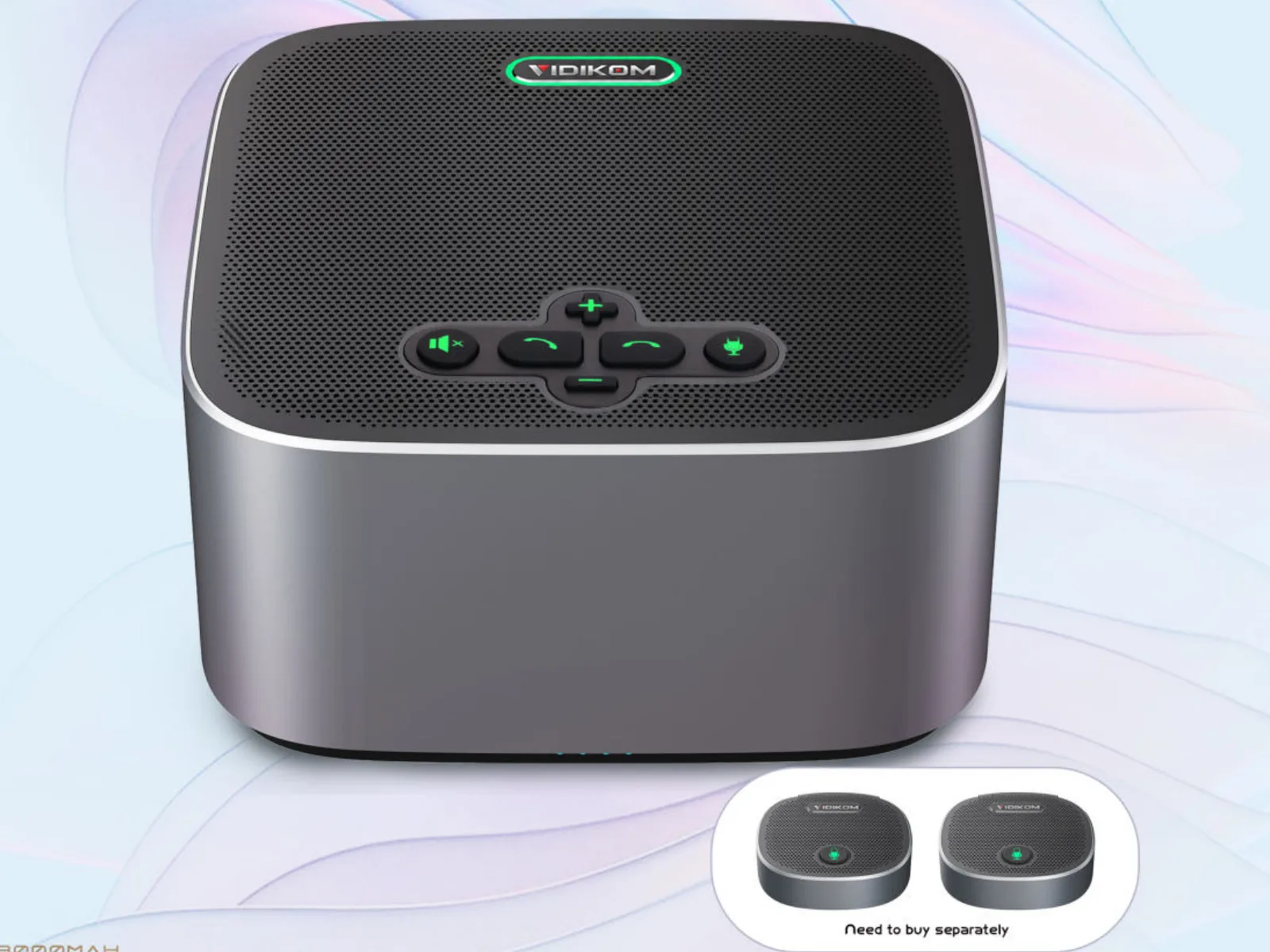
The Sovra 60 Expand covers the same 15–30 m² and 15 people out of the box with an eight-microphone 360° array and 6 m pickup. The difference is that it is ready to grow: if the room is later extended or the table gets longer, you add expansion microphones rather than replacing the unit.
Large rooms and long boardroom tables: 20 to 30 people
Here you have two good routes.
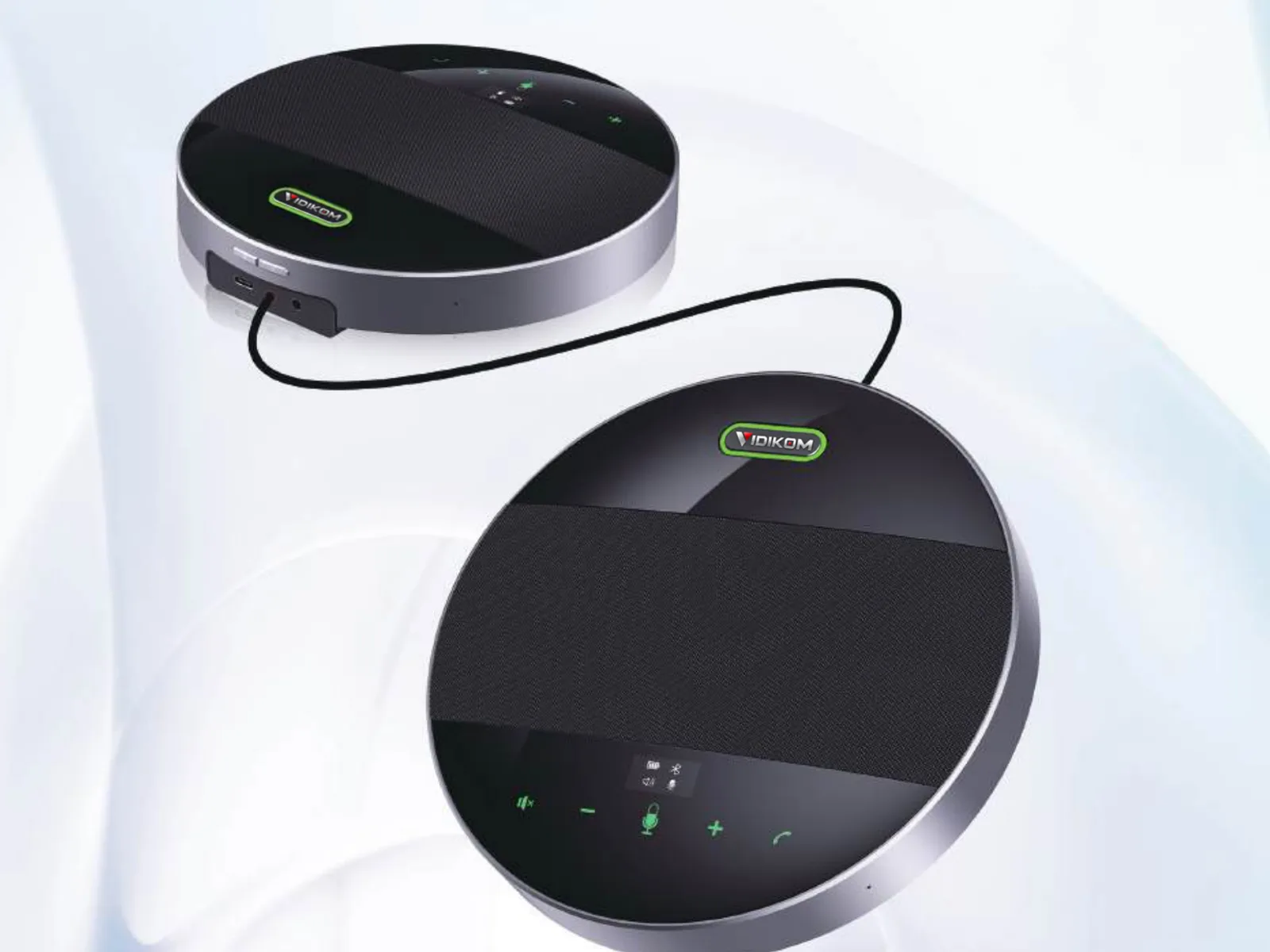
The Sovra 50 Duo is two Sovra 50 units joined by a daisy-chain cable. Chained together they are rated for 30–60 m², 20–30 attendees and a 12 m pickup range. The kit includes both speakerphones, the USB cable, the 3.5 mm daisy-chain cable, a Bluetooth dongle and an OTG adapter.
The Sovra 60 Expand with its two expansion microphones extends pickup to 9 m for up to 30 participants. Each expansion mic connects on a 3.5 m cable and covers 3 m around itself, so you can place them towards the ends of a long table.
When you need camera and audio together
If the room has no camera, the Kavro Room 12-G6 combines a 4K30 AI tracking PTZ camera with 12× optical zoom, a 360° speakerphone with 6 m pickup radius and more than 65 dB of echo cancellation, support for two expansion microphones, and a hub. The camera and speakerphone connect to the hub over the supplied 5 m DP cables, and one USB-C cable goes to the PC or Mac. Auto Framing keeps everyone in shot and Presenter Tracking follows whoever is standing at the screen. It works with Zoom, Microsoft Teams, Google Meet, Cisco Webex and other platforms, which makes it a sensible single purchase for mid-to-large meeting rooms. See more options on our video conferencing solutions page.
Daisy-chain or expansion microphones: the trade-off
Both approaches cover a large room, but they behave differently.
- Daisy-chained pair (Sovra 50 Duo): two full speakerphones means two loudspeakers as well as two microphone arrays. Remote voices are heard evenly across a wide room, and each unit has its own battery. Best for wide or square rooms and for rooms where far-end audio must be loud at both ends.
- Expansion microphones (Sovra 60 Expand): one loudspeaker in the centre with small microphone pucks reaching outwards. Pickup extends along the table while the far-end sound still comes from a single point. Best for long, narrow boardroom tables of moderate width.
- Cable management: both use thin 3.5 mm cables across the table. Plan a route along the table or through a cable grommet so nobody snags them.
- Upgrade path: if you are unsure how the room will be used next year, the Sovra 60 Expand lets you start with one unit and add microphones later.
Placement and setup rules of thumb
- Put the speakerphone in the centre of the seating area, not at the end of the table near the screen. For chained pairs, place each unit at the centre of its half of the table.
- Keep it away from noise sources such as laptop fans, projectors and air-conditioning vents. The microphones hear these as constant background.
- Select one audio device in the meeting app. If a laptop microphone and the speakerphone are both active, echo and feedback follow. Set the speakerphone as both microphone and speaker in Teams or Zoom.
- Prefer USB for permanent rooms. It is the most reliable connection to a room PC and keeps the unit powered. Use Bluetooth or the dongle for guests and phones.
- Tame hard surfaces. Glass walls and bare floors cause reflections. A rug, curtains or acoustic panels often improve clarity more than a bigger speakerphone.
- Test from the farthest seat with a colleague on a remote call before the first real meeting.
Classrooms and training rooms
Speakerphones work well in seminar rooms and training rooms where students sit around tables and talk to each other. They are not the right tool for a lecture hall where the presenter walks around a stage and the audience sits in tiered rows far from any table. For those spaces, look at a tracking camera with dedicated presenter audio, and see our lecture capture and education page for complete room designs. You can browse all speakerphones in audio and room systems in conferencing.
What to do next
Measure your room, count the seats and note the distance to the farthest chair, then pick from the guide above. VIDIKOM ships worldwide from Lagos, Nigeria. Get an instant quote, shown in Naira for Nigeria and US dollars elsewhere. If you want a second opinion, ask Kiki, our VIDIKOM AI assistant, for a recommendation or a free setup plan with wiring diagram and device positions for your room. You can also call or WhatsApp +234 806 331 1751.
Products in this article
Sovra 30USB and Bluetooth 5.0 Speakerphone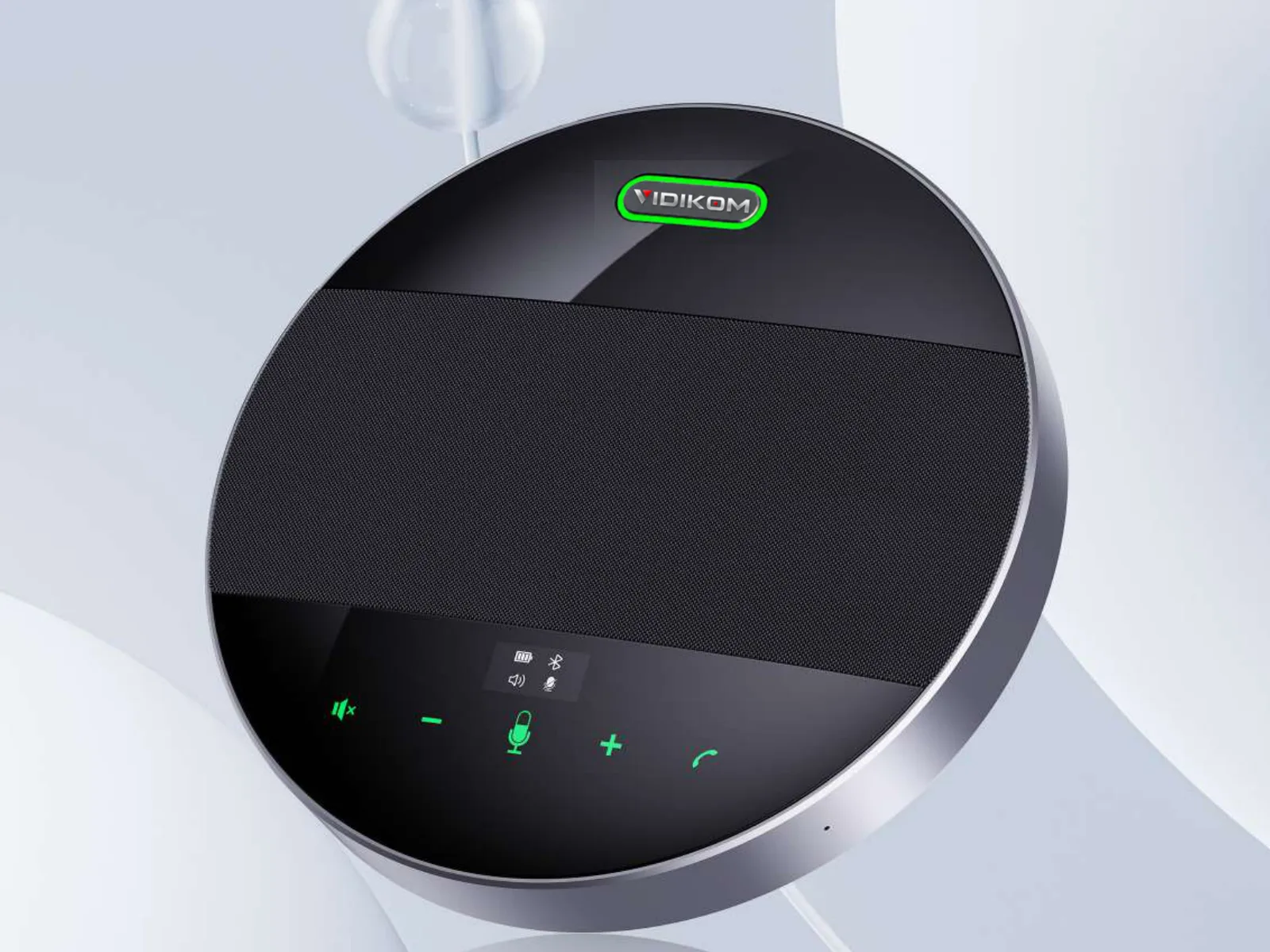 Sovra 50USB and Bluetooth 5.0 Speakerphone with 4 Digital Silicon Mics
 Sovra 50 DuoUSB / Bluetooth / Wireless Daisy-Chain Conference Speakerphone
 Sovra 60 ExpandConference Speakerphone with Expansion Microphone Support
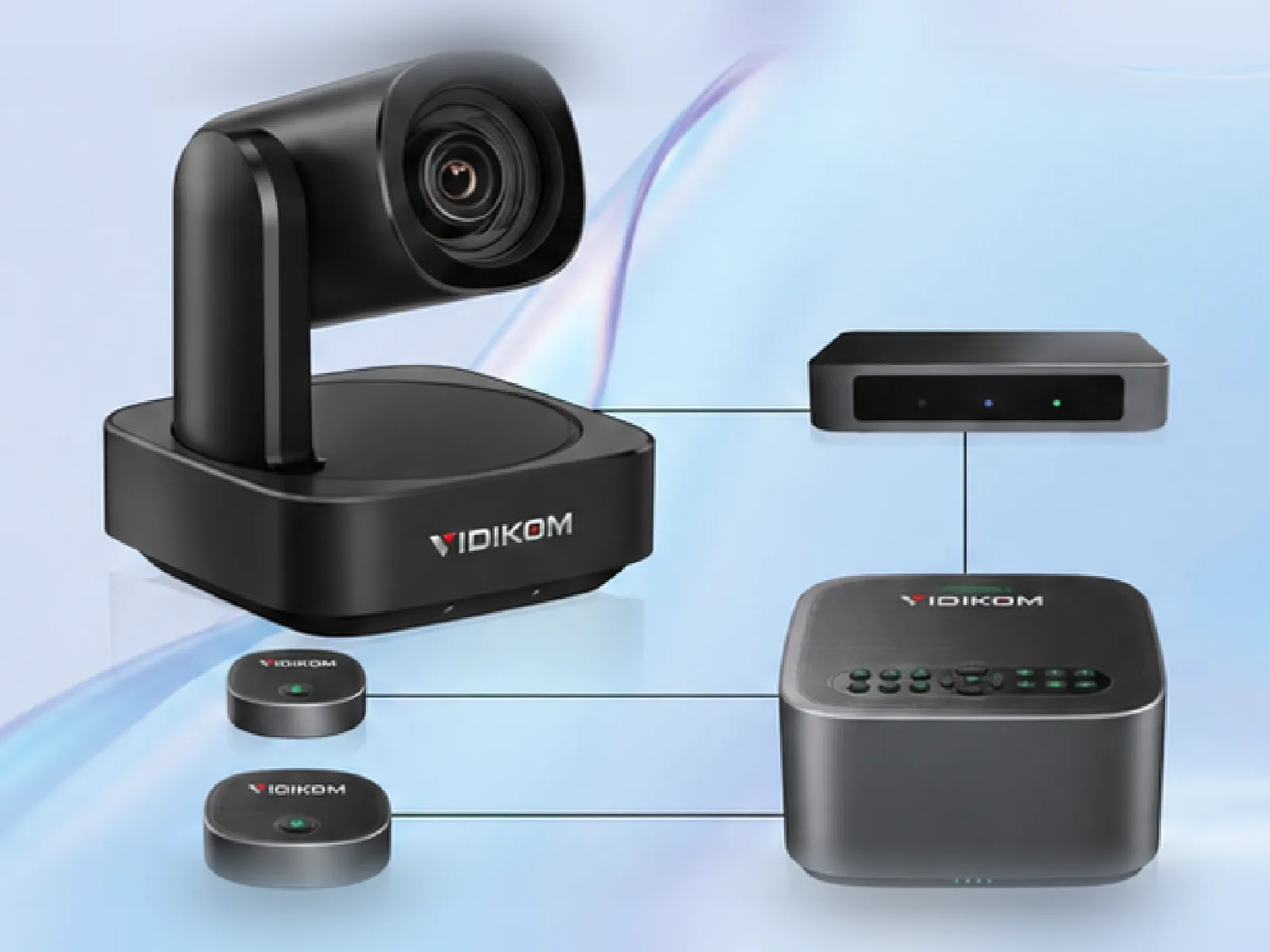 Kavro Room 12-G64K AI Audiovisual System for Conference Rooms
Frequently asked questions
How far can a conference room speakerphone pick up voices?
Most single units pick up within a 5–6 m radius: the Sovra 30 is rated for 5 m and the Sovra 50 and Sovra 60 Expand for 6 m. Expansion microphones extend the Sovra 60 Expand to 9 m, and a chained Sovra 50 Duo reaches 12 m.
Can I connect two speakerphones together for a large room?
Yes, if the model supports daisy-chaining. The Sovra 50 Duo links two Sovra 50 units with a 3.5 mm cable to cover 30–60 m² and 20–30 attendees.
Should I connect a speakerphone by USB or Bluetooth?
Use USB for a permanent room PC because it is the most reliable link and keeps the unit powered. Use Bluetooth or a wireless dongle for guest laptops and phones.
How many people can one speakerphone handle?
A single 5–6 m speakerphone typically suits 12–15 people in a 15–30 m² room. Beyond that, use a daisy-chained pair or expansion microphones to reach up to 30 people.
Do I need a separate speakerphone if my conference camera is a PTZ camera?
Usually yes, because PTZ cameras are designed for video and are mounted away from the table. An integrated system such as the Kavro Room 12-G6 combines a 4K PTZ camera and a 360° speakerphone through one hub.