
How to Choose a PTZ Joystick Controller for Live Production
A practical buying guide to PTZ joystick controllers. It covers control protocols, preview, tally and power, compares the Talvo Control 7 and Control 7 Pro, and includes a 4-camera setup you can copy.
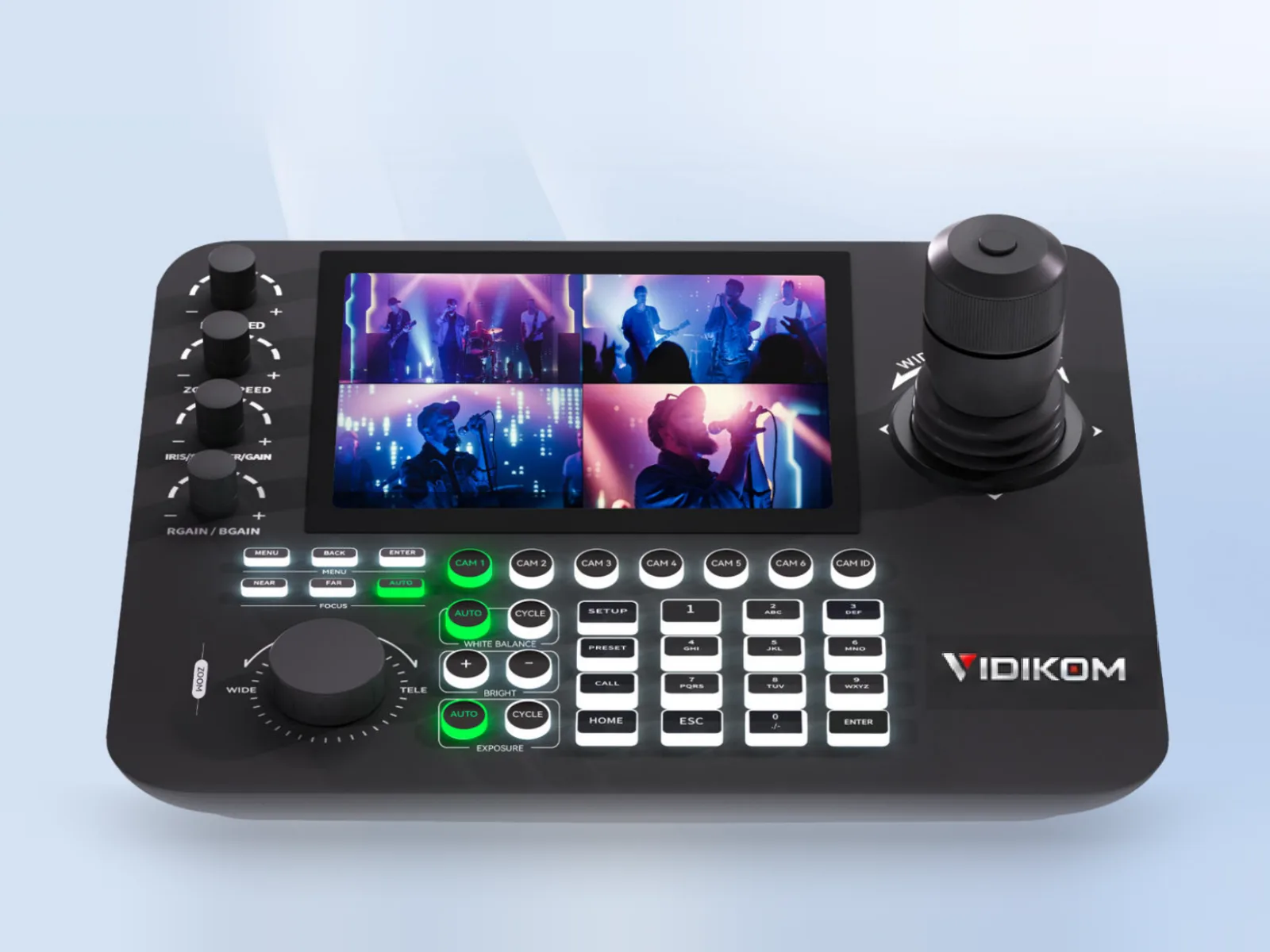
A PTZ joystick controller lets one operator move several PTZ cameras smoothly, recall presets instantly and adjust exposure without touching a laptop. To choose one, match five things to your production: the control protocol your cameras speak (IP or serial), how many cameras you run, whether you need video preview on the controller, whether you need tally, and how you will power and network it.
This guide works through each decision and compares the two Talvo controllers VIDIKOM ships worldwide. It also shows where a switcher with built-in PTZ control is enough, and when a dedicated joystick pays for itself.
What a PTZ joystick controller does that software can't
Software and switcher menus are good at recalling presets. They are poor at live moves, such as following a pastor who walks off the platform, reframing a guitarist mid-solo or creeping in slowly on a speaker. A proportional joystick gives you speed control that matches how far you push the stick. A zoom ring or rocker gives you smooth zooms.
The controller also gives you physical buttons for exposure, white balance and focus. This matters when stage lighting changes between segments.
A practical rule of thumb: one trained operator can comfortably run three to four PTZ cameras with a joystick and well-planned presets. If you plan more cameras, or a show with a lot of live tracking, budget for a second operator position.
How to choose a PTZ joystick controller: six questions
1. Which control protocol and connection?
Most professional PTZ cameras accept VISCA over IP, ONVIF or NDI control over the network. They also accept VISCA or Pelco-D/P over serial (RS232 or RS485).
- IP control is simplest when cameras, controller and switcher share one network. Each standard Ethernet run can be up to 100 m, and a network switch extends that.
- Serial control still matters for long runs, or where IT will not let production gear onto the network. On the Veyra 30S Ultra-X, RS485 is rated to 1,200 m and RS232 to 30 m.
If you need serial, check the controller's serial ports before you buy, not after.
2. How many cameras, now and later?
Count the cameras you have, then add the ones you expect in two years. Grouping matters as much as the total. For example, a venue with two rooms can keep each room's cameras in a separate group, so operators never move the wrong camera.
3. Do you need preview on the controller?
A screen on the controller shows what the selected camera sees before you take it to program. This is very useful when the operator sits away from the switcher multiview. Check two things:
- how many streams the controller can decode at once
- at what resolution and frame rate it decodes them
4. Do you need tally?
Tally tells the operator, and the people on stage, which camera is live. Never make a fast move on a live camera. If your switcher has tally outputs, a controller with tally inputs can show program and preview status per camera.
5. How will it be powered and networked?
A controller that runs on PoE needs just one cable at the operator desk. Pair it with a PoE switch that also powers your cameras, and the control position stays clean.
6. Ergonomics
Look for:
- a 4D joystick (pan, tilt and zoom on one stick)
- a separate speed control
- programmable buttons for the functions you use every service or show
Backlit buttons help in dark control rooms.
Talvo Control 7 vs Talvo Control 7 Pro
Talvo Control 7: compact and IP-focused
The Talvo Control 7 is a good fit for church media teams, schools and corporate rooms running a handful of IP PTZ cameras.
- Control: a variable-speed 4D joystick with zoom ring, a zoom rocker, speed control and 6 programmable function buttons.
- Preview: a 7" TFT LCD (600×1024) decodes H.264/H.265 for single or 4-split preview, with a maximum of one 1080p channel at 30fps.
- Protocols: VISCA, VISCA over IP, NDI Control, ONVIF and Pelco-P/D, with up to 256 devices.
- Image control: exposure, white balance, backlight and focus control, plus a status display for WB, iris, gain, shutter and focus.
- Power: DC12V or PoE.
The trade-off is serial. The listed RJ45 is the main control path, while RS422 is listed as reserved and RS232 as a development port. Treat the Control 7 as an IP controller. Check the full specifications if serial control matters to you.
Talvo Control 7 Pro: multi-camera and broadcast-ready
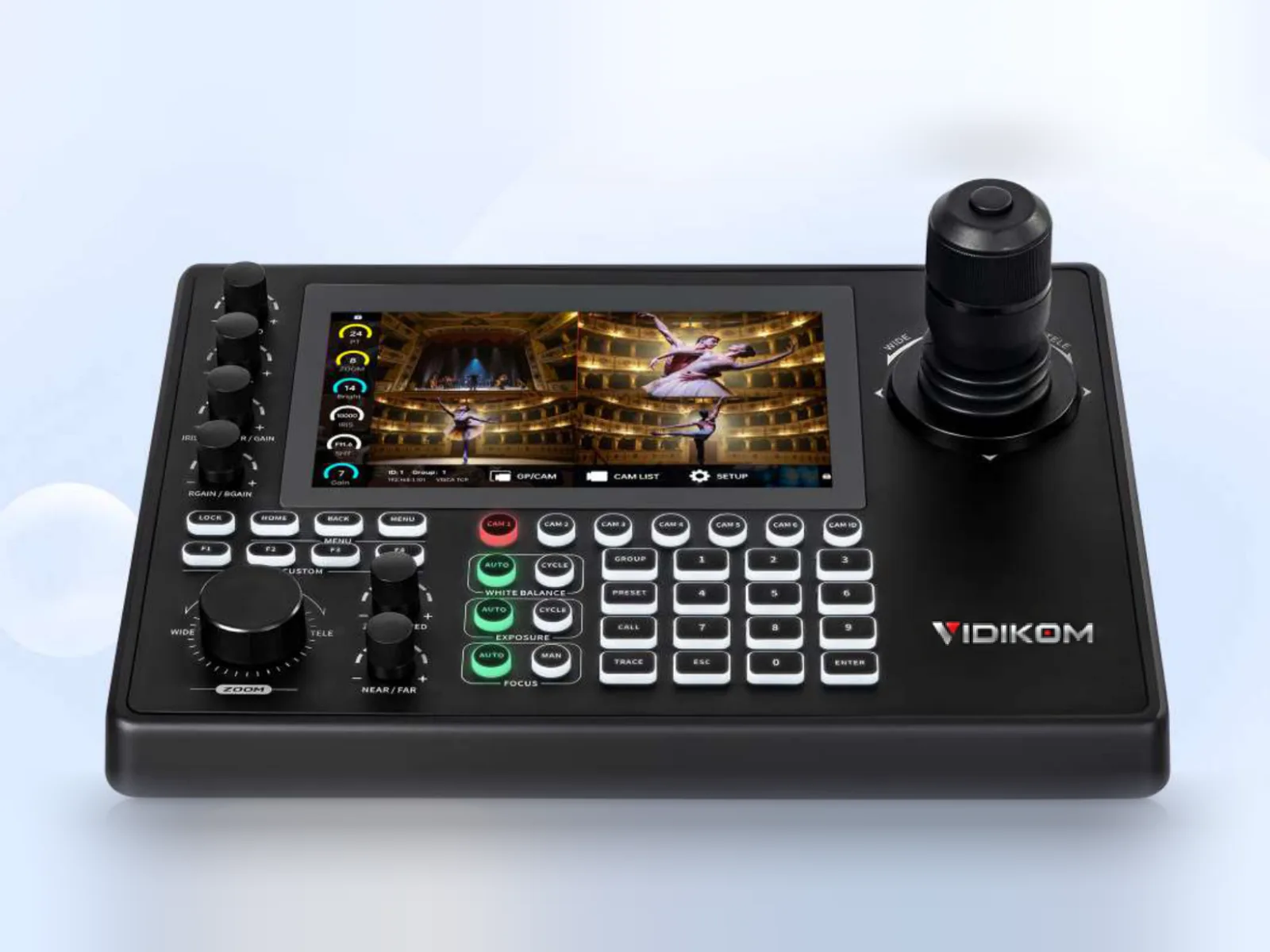
The Talvo Control 7 Pro is built for event companies, larger churches, studios and venues with many cameras.
- Preview: a 7" touchscreen with an RK3568 processor decodes up to 4×1080p60 or 1×4K60 (H.265), so a quad-view preview stays smooth.
- Scale: up to 255 IP cameras in 26 groups of 10, up to 255 presets, and motion path recording for repeatable camera moves.
- Tally: PGM IN/OUT and PVW IN.
- Outputs: HDMI 2.0 output to feed a larger monitor.
- Serial: four RS422/485 ports (RJ45) plus RS232 (DB9) for cameras on long serial runs.
- Network and power: a Gigabit port with PoE/PoE+ (IEEE 802.3af/at), drawing under 10W.
- Protocols: NDI|HX3 support, with VISCA, VISCA over IP, ONVIF, NDI and Pelco-P/D.
Rule of thumb: choose the Control 7 for up to about four IP cameras with simple preview. Choose the Control 7 Pro if you need tally, smooth multi-camera preview, serial control, motion paths or more than one camera group.
Do you still need a joystick if your switcher controls PTZ?
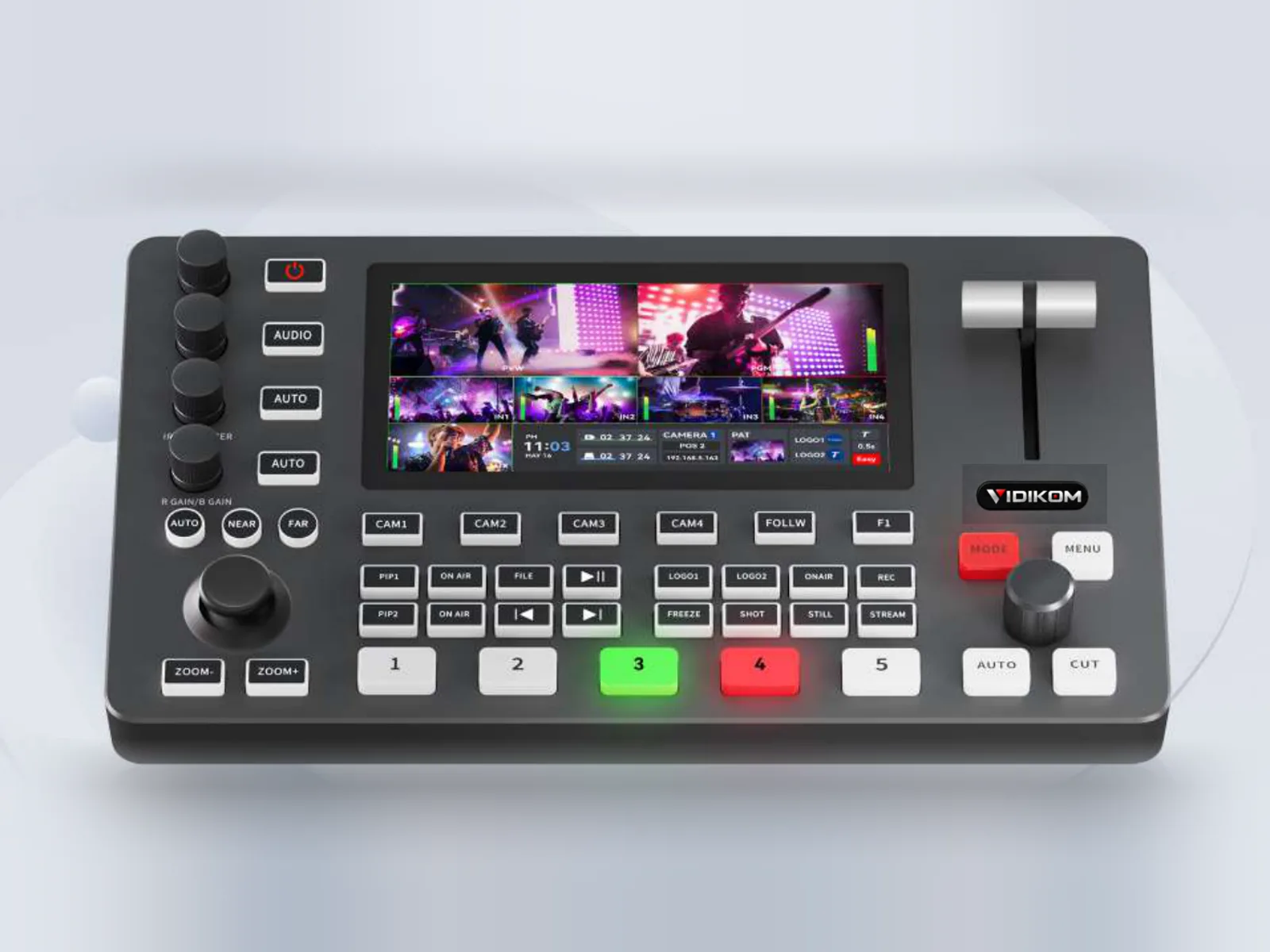
The Talvo Mix 4 switcher supports VISCA and PTZ camera control over its LAN port. It also takes NDI, SRT and RTMP feeds as inputs. For a single operator running a webcast with mostly preset shots, that can be enough, so start there and add a joystick later.
Once you need live moves or a dedicated camera operator, a separate joystick is the better tool. It lets the director concentrate on switching while the camera operator concentrates on framing.
A reference setup: four PTZ cameras, one operator
This layout suits a church service, a conference session or a concert stream.
- Mount four PTZ cameras. For long throws and NDI|HX3 workflows, the Veyra 30S Ultra-X offers 30× optical zoom, PoE and 255 presets via serial.
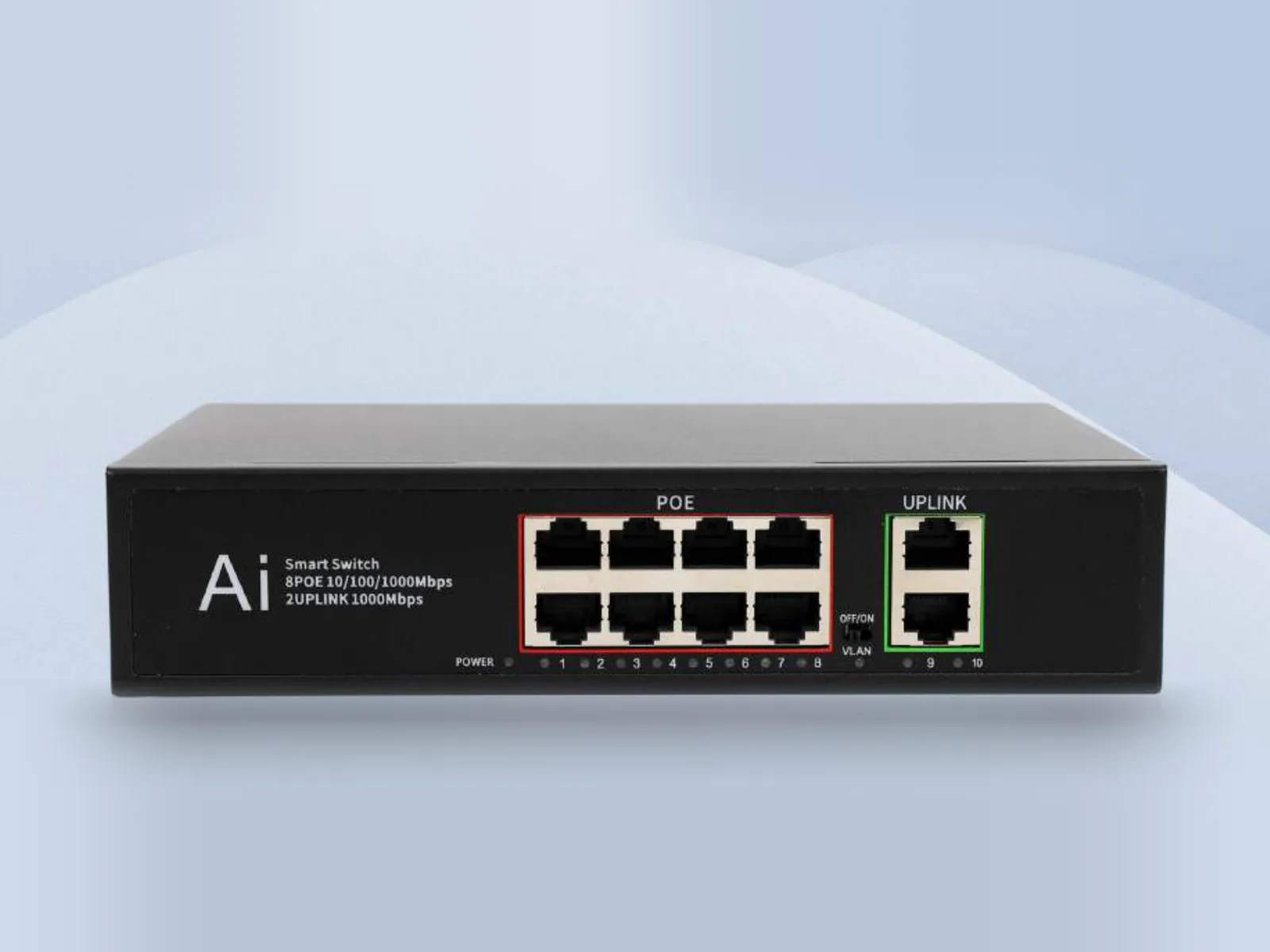
- Connect every camera and the controller to a Nexel P8. It has 8 Gigabit PoE ports supplying up to 30W per port (IEEE 802.3af/at), plus 2 uplinks to the switcher or streaming PC.
- Give each camera a fixed IP address on the same subnet as the controller. This stops addresses changing between events.
- Add the cameras to the controller and number them to match the switcher inputs: camera 1 on input 1, and so on.
- Program presets with the same meaning on every camera, for example preset 1 = wide and preset 2 = lectern. Operators then build muscle memory.
- Feed camera outputs into the switcher by SDI, HDMI or NDI. If you use a Control 7 Pro and your switcher has tally outputs, wire tally to the controller.
- Rehearse transitions. Move a camera only when it is on preview, never on program.
If your crew also needs intercom and tally on their phones, VIDIKOM Production Pro adds switcher and PTZ control from a Windows director app, plus a shared Event Flow run sheet. It is free to download for VIDIKOM customers.
What to do next
- Browse the full production range and the Live Production solution.
- Get an instant quote for a controller, cameras and PoE switch. Prices show in Naira in Nigeria and US dollars elsewhere, and VIDIKOM ships worldwide.
- Not sure between the Control 7 and Control 7 Pro? Ask VIDIKOM AI for a recommendation, or request a free setup plan with wiring diagram and camera positions.
- You can also call or WhatsApp +234 806 331 1751.
Products in this article
 Talvo Control 7 Pro
 Talvo Mix 4
 Nexel P8
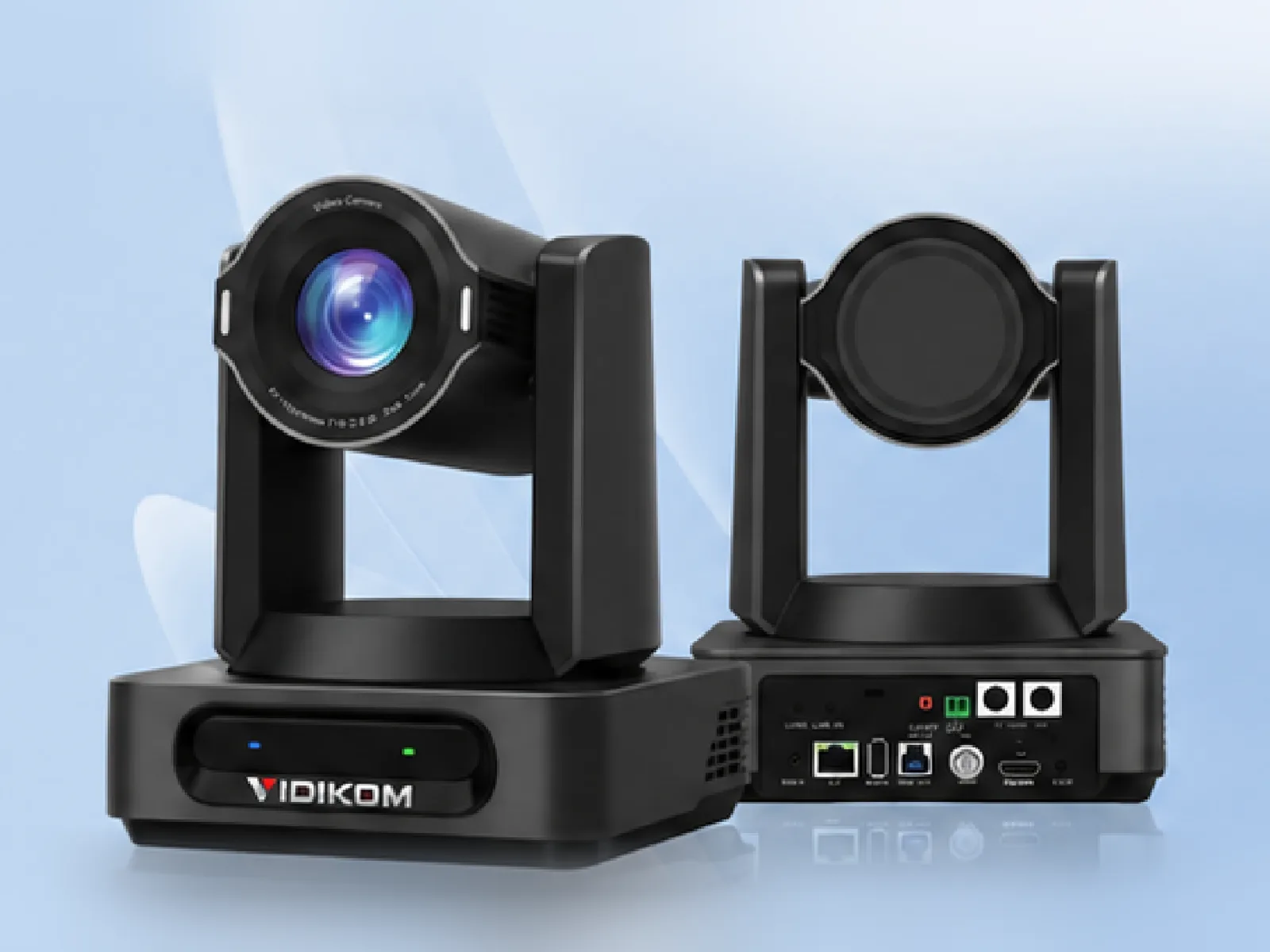 Veyra 30S Ultra-X
Frequently asked questions
Will a PTZ joystick controller work with cameras from different manufacturers?
Usually yes, if the camera supports standard protocols such as VISCA, VISCA over IP, Pelco-D/P, ONVIF or NDI control. Both Talvo controllers support these protocols. Always test preset recall and speed response with your exact cameras before a live event.
Should I control PTZ cameras over IP or serial?
Use IP when cameras, controller and switcher can share one network, because it is simpler to wire and expand. Use RS485 serial for very long runs or isolated networks. On the Veyra 30S Ultra-X, RS485 is rated to 1,200 m.
How many PTZ cameras can one joystick controller handle?
The Talvo Control 7 supports up to 256 devices. The Talvo Control 7 Pro handles up to 255 IP cameras in 26 groups of 10. In practice, one operator comfortably runs three to four cameras with live moves.
Do I need a PoE switch for PTZ cameras and a controller?
It is not required, but it simplifies installation: power and data run over one cable to each camera and to the controller. The Nexel P8 provides 8 Gigabit PoE ports at up to 30W per port.
Can I control PTZ cameras without a hardware joystick?
Yes. The Talvo Mix 4 switcher can control PTZ cameras over LAN using VISCA, and VIDIKOM Production Pro includes PTZ control. A joystick is still better for smooth, proportional live moves.